# How to define GeoIP in elastic agent v8.9?
**URL:** https://discuss.elastic.co/t/how-to-define-geoip-in-elastic-agent-v8-9/342127
**Category:** Elastic Agent
**Created:** [September 1, 2023, 12:44pm UTC](https://discuss.elastic.co/t/how-to-define-geoip-in-elastic-agent-v8-9/342127 "2023-09-01T12:44:52Z")
**Posts on this page:** 2
**Page:** 1
### Author:  [@noor.muradi](https://discuss.elastic.co/u/noor.muradi)
#### Post date: [September 1, 2023, 12:44pm UTC](https://discuss.elastic.co/t/how-to-define-geoip-in-elastic-agent-v8-9/342127/1 "2023-09-01T12:44:52Z")
Hello all,
How to define GeoIP in elastic agent policy, I have installed elastic agent v8.9 on a standalone ubuntu server, (my ELK stack version is 8.9) I have Nginx server running on that machine I want to monitor logs and metrics of the system as well as the nginx, I have installed the nginx and system integrations and and copy pasted its agent policies to the elastic-agent.yml, I want to get the GeoIP data as well.
elastic-agent ---\> Elastic
I have tried to use logstash to process the data from the agent to ES but it causes the dashboard to break as I am using custom index name "ubuntu-%{+YYYY.MM.dd}" and the integrations dashboards are referring to logs-\* and metrics-\* by default instead of my custom index, I have also tried the index aliases, it works, but still it causes some of the panels to break too, therefore I want to use elastic agent only.
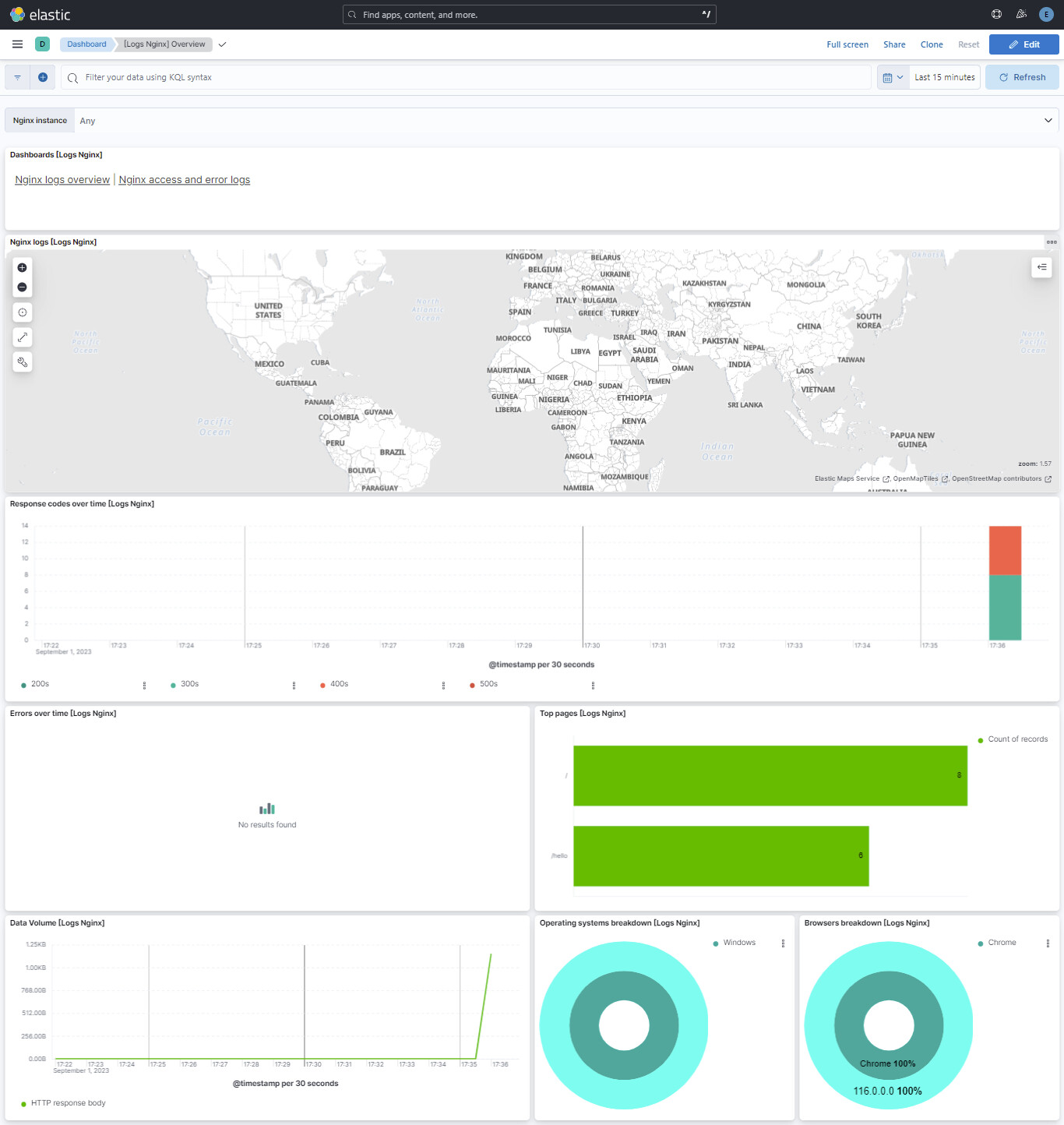
The nginx dashboard is not showing the GeoIP data as below screenshot.
---
### Author:  [@system](https://discuss.elastic.co/u/system)
#### Post date: [September 29, 2023, 12:45pm UTC](https://discuss.elastic.co/t/how-to-define-geoip-in-elastic-agent-v8-9/342127/2 "2023-09-29T12:45:05Z")
This topic was automatically closed 28 days after the last reply. New replies are no longer allowed.