I have followed the labs in 3.4 and I see petclinic-react in Kibana Observability > APM > Services but it is not connecting to petclinic-node or sending the data needed in the further labs. I debugged my setup using the guidance in Unable to get RUM Agent working and noticed that my browser is probably the issue. I have tried with the latest Chrome and Firefox, where I disabled HTTPS-Only Mode. Now Developer Tools Console shows in the petclinic web page when refreshing the page:
Creating APM Service Created APM Service Blocked loading mixed active content “http://<my dynamic DNS>.labs.strigo.io:8200/intake/v2/rum/events”
petclinic-react Services Overview gives me “page-load” option but nothing else. I see also latency, throughtput and some transactions data. I have tried to get this working several days.
How can I get the rest of the data through? I have disabled VPN and checked my system compatibility and all seems to be ok.
Below are the views from APM Services
Hello @mirde and welcome
Based on the information you provided:
Blocked loading mixed active content “http://.labs.strigo.io:8200/intake/v2/rum/events”
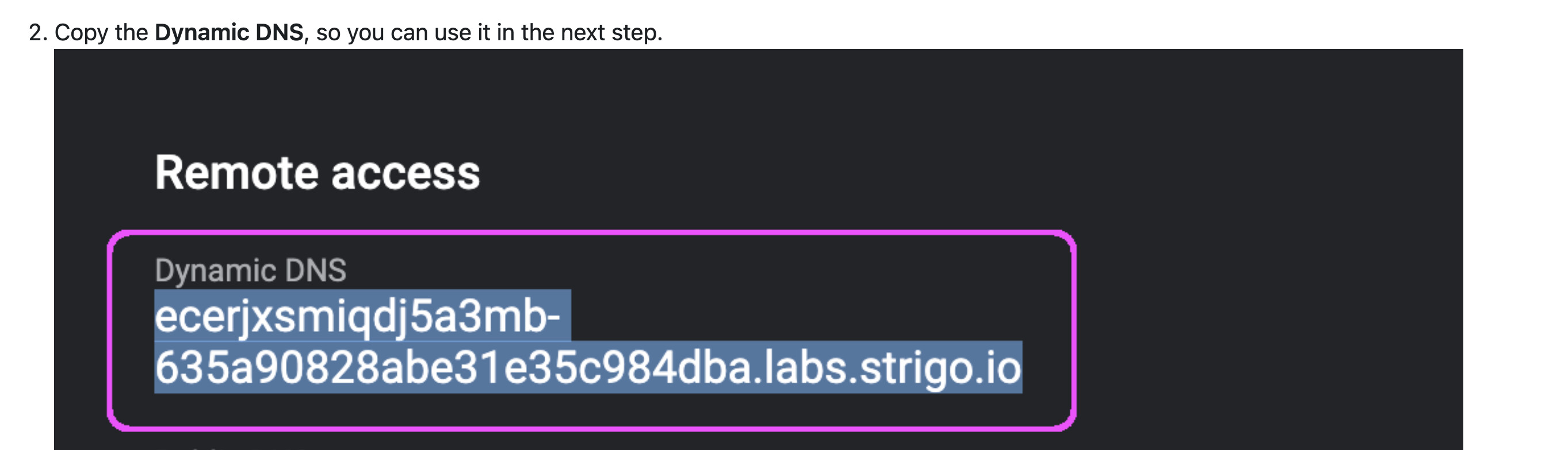
I believe the RUM Agent requires to have your Strigo Dynamic DNS name.
it is around step 3-4 in the Lab 3.4 instructions:
After that follow the instructions to restart the docker container.
Then from your chrome browser, connect to petclinic using your Dynamic DNS address:
http://<DYNAMIC_DNS>:4000
=> it should be something similar to: http://ecerjxsmiqdj5a3mb-635a90828abe31e35c984dba.labs.strigo.io:4000”
Then refresh the Service Maps and you should have the link between: petclinic-react —> petclinic-node.
(The above would be describe as well at the beginning of the Labs 4.3)
I just checked this post regarding Blocked loading mixed active content
Have you tried, what they suggested as a temporary fix to see if the content is not blocked ?:
Note that the temporary 'fix' is to click on the 'shield' icon in the top-left corner of the address bar and select 'Disable Protection on This Page', although this is not recommended for obvious reasons.
Update your windows, clickedy click on Petclinic page and you should see petclinic-react in Services Map correctly and Events in petclinic-react Overview dropdown.
As a general note, I would hope that Elastic would take this kind of errors into considerations when creating these labs. Expecially when many people do the labs on company laptops where security settings are not so easy to change.
Apache, Apache Lucene, Apache Hadoop, Hadoop, HDFS and the yellow elephant
logo are trademarks of the
Apache Software Foundation
in the United States and/or other countries.